Looking for an adorable way to customize your computer? Strawberry bunny cursors offer the perfect blend of cuteness and functionality. These charming animated cursors feature fluffy white bunnies paired with pastel strawberries, creating a delightful kawaii aesthetic that transforms your boring mouse pointer into something magical. Whether you’re personalizing your Windows PC or simply want to add some charm to your digital workspace, these cute cursor designs provide exactly what you need.
Quick Overview: Strawberry Bunny Cursor Features
| Feature | Description | Benefits |
| • Kawaii Design | Adorable bunny characters with strawberry elements | Creates a charming, personalized desktop experience |
| • Multiple Variations | Complete cursor set with different pointer styles | Covers all cursor functions (normal, busy, text, etc.) |
| • High Quality | Professional pixel art and smooth animations | Crisp appearance on all screen resolutions |
| • Easy Installation | Simple download and setup process | Quick customization without technical knowledge |
| • Free Download | No cost for personal use | Budget-friendly desktop personalization |
The growing popularity of cursor customization reflects people’s desire to make their digital spaces more personal and enjoyable. These strawberry bunny designs tap into the kawaii culture trend while providing practical functionality for everyday computer use.
What Makes Strawberry Bunny Cursors Special?
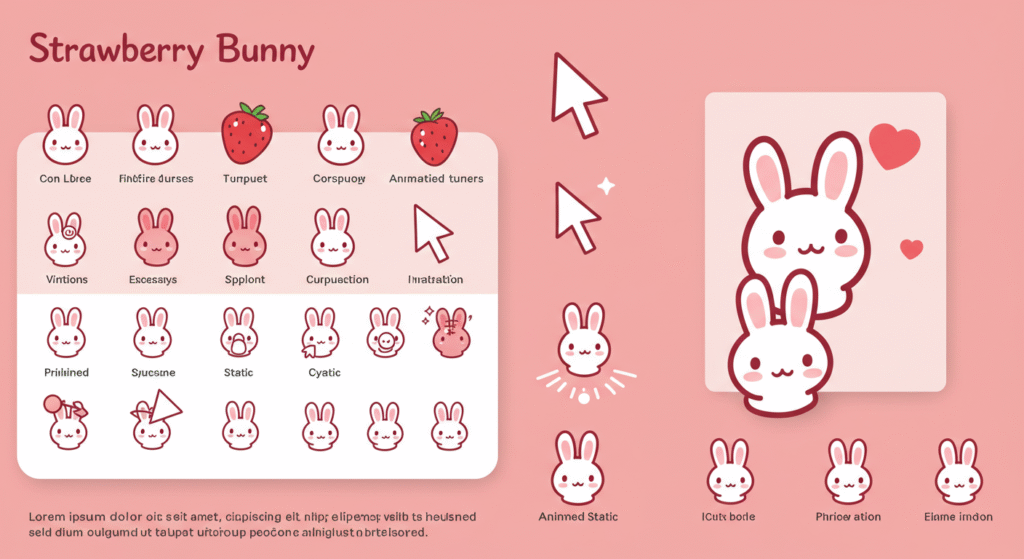
Strawberry bunny cursors stand out in the world of custom mouse pointers for several compelling reasons. The design combines two universally loved elements: adorable bunnies and sweet strawberries. This combination creates an instant emotional connection with users who appreciate cute aesthetics.
The artistic quality of these cursor designs demonstrates professional craftsmanship. Each cursor features carefully detailed pixel art that maintains clarity at standard cursor sizes. The fluffy texture of the bunny characters contrasts beautifully with the smooth, glossy appearance of the strawberries, creating visual interest without overwhelming the user.
Design Elements That Matter
The color palette plays a crucial role in the appeal of these kawaii cursors. Soft pinks, creamy whites, and fresh strawberry reds create a harmonious color scheme that feels both soothing and energizing. These colors work well against various desktop backgrounds, ensuring the cursor remains visible and attractive.
Animation quality sets the premium strawberry bunny cursor sets apart from basic alternatives. The best versions include subtle movements like twinkling effects, gentle bouncing motions, or rotating strawberries that add life to the cursor without being distracting during work or gaming sessions.
Understanding Cursor Customization
Cursor themes have evolved significantly since the early days of computing. What started as simple arrow shapes has transformed into an entire category of digital art. Modern cursor sets can include dozens of different pointer styles, each designed for specific functions and contexts.
The technical aspects of cursor installation are surprisingly straightforward. Most modern cursor designs come in standard Windows cursor formats (.cur and .ani files) that the operating system recognizes automatically. This compatibility ensures that your strawberry bunny cursor will work properly across different applications and system functions.
Types of Cursor Variations
A complete strawberry bunny cursor package typically includes:
Normal Select Cursors: The standard pointer featuring a bunny with a strawberry accent. This is your primary cursor for general navigation and clicking.
Busy/Loading Cursors: Animated cursors showing the bunny in motion or with spinning strawberry elements. These appear when the system is processing tasks.
Text Selection Cursors: Usually featuring a vertical line design with bunny or strawberry decorative elements for text editing functions.
Help Cursors: Question mark variations that maintain the kawaii aesthetic while indicating help functionality.
Resize Cursors: Directional arrows incorporated into the bunny/strawberry theme for window resizing operations.
How to Download and Install Strawberry Bunny Cursors
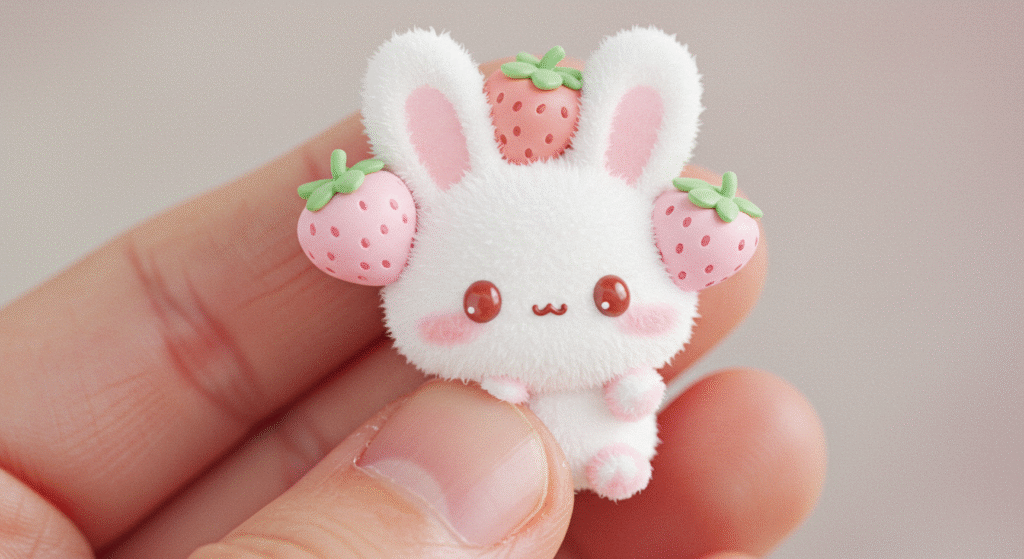
Finding reliable sources for strawberry bunny cursor downloads requires knowing where to look. The most reputable cursor libraries include established communities like RealWorld Designer and DeviantArt, where creators share their work with detailed descriptions and user reviews.
Step-by-Step Installation Guide
Download Process: Visit a trusted cursor download site and locate the strawberry bunny cursor set you prefer. Look for complete packages that include all cursor variations rather than individual files.
File Extraction: Most cursor sets come in ZIP archives. Extract these files to a dedicated folder on your computer for easy access during installation.
Windows Installation: Navigate to Windows Settings > Devices > Mouse > Additional mouse options. Open the Mouse Properties window and go to the Pointers tab. Here you can browse for your downloaded cursor files and apply them to different pointer functions.
Testing Your Setup: After installation, test various cursor functions to ensure all animated cursors work properly. Check text selection, resize operations, and loading animations to confirm complete functionality.
Troubleshooting Common Installation Issues
Some users experience difficulties with cursor customization. The most common issue involves file format compatibility. Ensure your strawberry bunny cursor files are in .cur or .ani formats for Windows systems.
Permission settings can sometimes prevent cursor installation. Running the installation process as an administrator often resolves these access issues.
Also Read Baby in Squid Game
Popular Strawberry Bunny Cursor Designs
The variety available in strawberry bunny cursor designs caters to different aesthetic preferences. Some users prefer minimalist approaches with simple bunny silhouettes accented by small strawberry details. Others gravitate toward more elaborate designs featuring detailed character art and complex animations.
Classic Kawaii Style
Traditional kawaii cursors emphasize large eyes, rounded shapes, and pastel colors. These strawberry bunny cursor designs often feature oversized heads on tiny bodies, creating the characteristic “cute” proportions that define the kawaii aesthetic.
The strawberry elements in classic designs typically appear as accessories or background details rather than dominant features. This approach keeps the bunny as the primary focus while adding thematic consistency through the strawberry motif.
Modern Animated Variations
Contemporary animated cursors push creative boundaries with sophisticated motion effects. Advanced strawberry bunny cursor sets might include particle effects, color-changing elements, or contextual animations that respond to different system states.
These modern interpretations often incorporate gradient shading, subtle transparency effects, and multi-frame animations that create smooth, professional-looking cursor movements.
Creating Your Own Strawberry Bunny Cursors
For users interested in cursor design, creating custom strawberry bunny cursor sets offers a rewarding creative outlet. Several cursor maker applications provide the tools needed to develop professional-quality cursors.
Essential Design Principles
Color harmony remains crucial in effective cursor designs. The pink and white color scheme of the strawberry bunny themes requires careful balance to maintain visibility across different background colors.
Size constraints present unique challenges in cursor creation. Standard cursor dimensions limit the detail possible in kawaii cursor designs, requiring artists to prioritize the most essential visual elements.
Software Tools and Resources
Professional cursor editors like RealWorld Cursor Editor offer comprehensive toolsets for creating animated cursors. These applications provide frame-by-frame animation capabilities, color palette management, and export options for multiple cursor formats.
Free alternatives exist for budget-conscious creators. Open-source cursor editing software provides basic functionality sufficient for simple strawberry bunny cursor designs, though with fewer advanced features.
The Psychology Behind Cute Cursors
The appeal of strawberry bunny cursors connects to deeper psychological responses to cute imagery. Research in behavioral psychology demonstrates that “cute” visual elements trigger nurturing responses and positive emotional states in viewers.
This emotional connection translates to practical benefits in digital environments. Users report increased satisfaction and reduced stress when using cute cursor designs compared to standard system cursors.
Impact on Productivity and Mood
Kawaii cursors can positively influence work environments by introducing elements of joy and personality into otherwise sterile digital spaces. The brief moments of delight triggered by seeing an adorable strawberry bunny cursor can provide micro-breaks that refresh mental energy.
However, balance remains important. Overly elaborate animated cursors can become distracting during focused work sessions, suggesting that subtle designs often work best for professional environments.
Advanced Customization Options
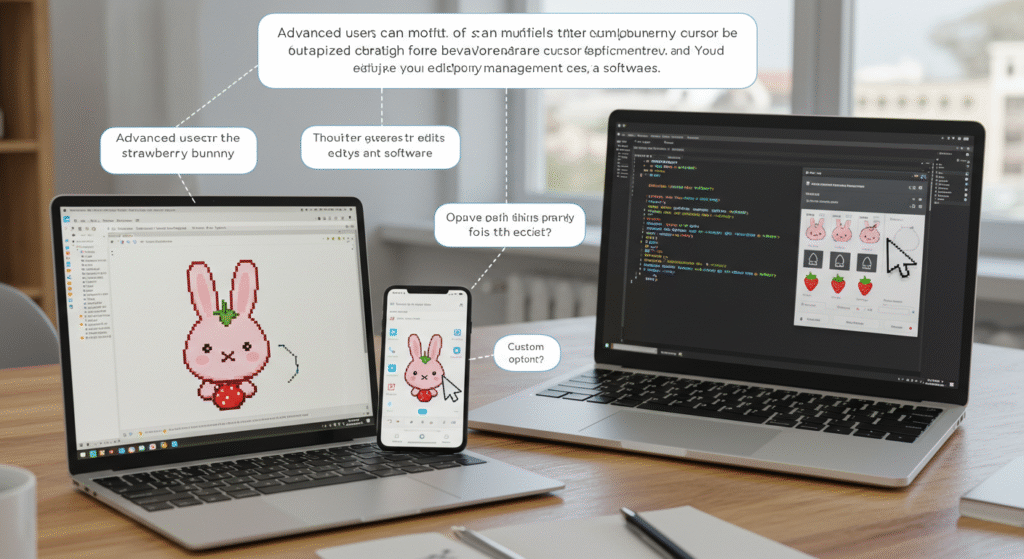
Beyond basic installation, advanced users can modify the strawberry bunny cursor behavior through registry edits and third-party cursor management software. These approaches allow for more sophisticated customization options.
System Integration Features
Some cursor customization tools enable automatic theme switching based on time of day, active applications, or system events. This functionality allows users to enjoy their kawaii cursors during leisure computing while maintaining professional appearances during work applications.
Backup and restore features help users maintain multiple cursor theme collections without losing their favorite strawberry bunny cursor configurations during system updates or hardware changes.
Community and Sharing Culture
The cursor design community thrives on sharing and collaboration. Many creators offer their strawberry bunny cursor designs freely while accepting donations or credit attribution. This gift economy model has fostered incredible diversity in available designs.
User feedback plays a crucial role in cursor development. Creators often iterate on their kawaii cursor designs based on community suggestions, leading to improved functionality and broader appeal.
Supporting Cursor Artists
While many strawberry bunny cursor sets are available for free, supporting artists through donations, social media engagement, or commissioned work helps sustain the creative community. Many cursor creators also produce related digital art, wallpapers, and icons that complement their cursor themes.
Technical Considerations and Compatibility
Modern strawberry bunny cursor designs must consider various technical factors, including screen resolution scaling, color depth, and animation frame rates. High-DPI displays require cursor designs that scale properly without losing detail or becoming pixelated.
Performance Optimization
Animated cursors with complex effects can impact system performance, particularly on older computers. Well-optimized strawberry bunny cursor designs balance visual appeal with efficient resource usage, ensuring smooth operation across different hardware configurations.
File size optimization helps ensure quick loading times and minimal storage requirements. Professional cursor creators employ compression techniques and efficient animation methods to deliver high-quality results in compact packages.
Future Trends in Cursor Design
The evolution of cursor customization continues with new technologies and design trends. Vector-based cursors promise better scaling across different display resolutions, while advanced animation techniques enable more sophisticated effects.
Interactive cursors that respond to user behavior or system context represent an emerging trend. Future strawberry bunny cursor designs might incorporate contextual animations, adaptive sizing, or integration with desktop themes and wallpapers.
Accessibility Improvements
Modern cursor design increasingly emphasizes accessibility features. High-contrast variations, size options, and reduced animation modes ensure that kawaii cursors remain usable for people with various visual needs and preferences.
Final Thoughts:
Strawberry bunny cursors represent more than simple desktop customization; they embody the human desire to personalize digital spaces with elements that bring joy and personality to everyday computing experiences. Whether you choose classic kawaii designs or modern animated cursors, these charming cursor themes offer an easy way to transform your computer interface.
The combination of adorable bunny characters and sweet strawberry accents creates universally appealing designs that work across age groups and usage scenarios. With proper installation and consideration of technical requirements, these cute cursor designs can enhance your digital environment while maintaining full functionality.
As the cursor customization community continues to grow and evolve, we can expect even more creative and sophisticated strawberry bunny cursor designs in the future. The current offerings already provide extensive options for users seeking to add personality and charm to their computing experience through these delightful kawaii cursors.